
How to Create an AI Model Girl: Build Yours in Minutes
The Short Answer: Build Her in GoLove.ai, Not a Bare Image Generator
Making one gorgeous AI image is easy. The hard part is making her look like the same girl in the next photo, and the one after that. That's where most "AI model girl" guides fall apart.
The popular myth says a better prompt fixes it. I'm not buying it. My pick is GoLove.ai, because the girl you design in its create wizard stays the same character everywhere else: you chat with her, you request photos from her, and you can animate her into video. Her face, style and personality all live in one saved profile, so she doesn't drift every time you hit generate.
Below I cover the create path, the photo presets (35 poses, 21 outfits, 34 backgrounds) and the places where GoLove falls short.
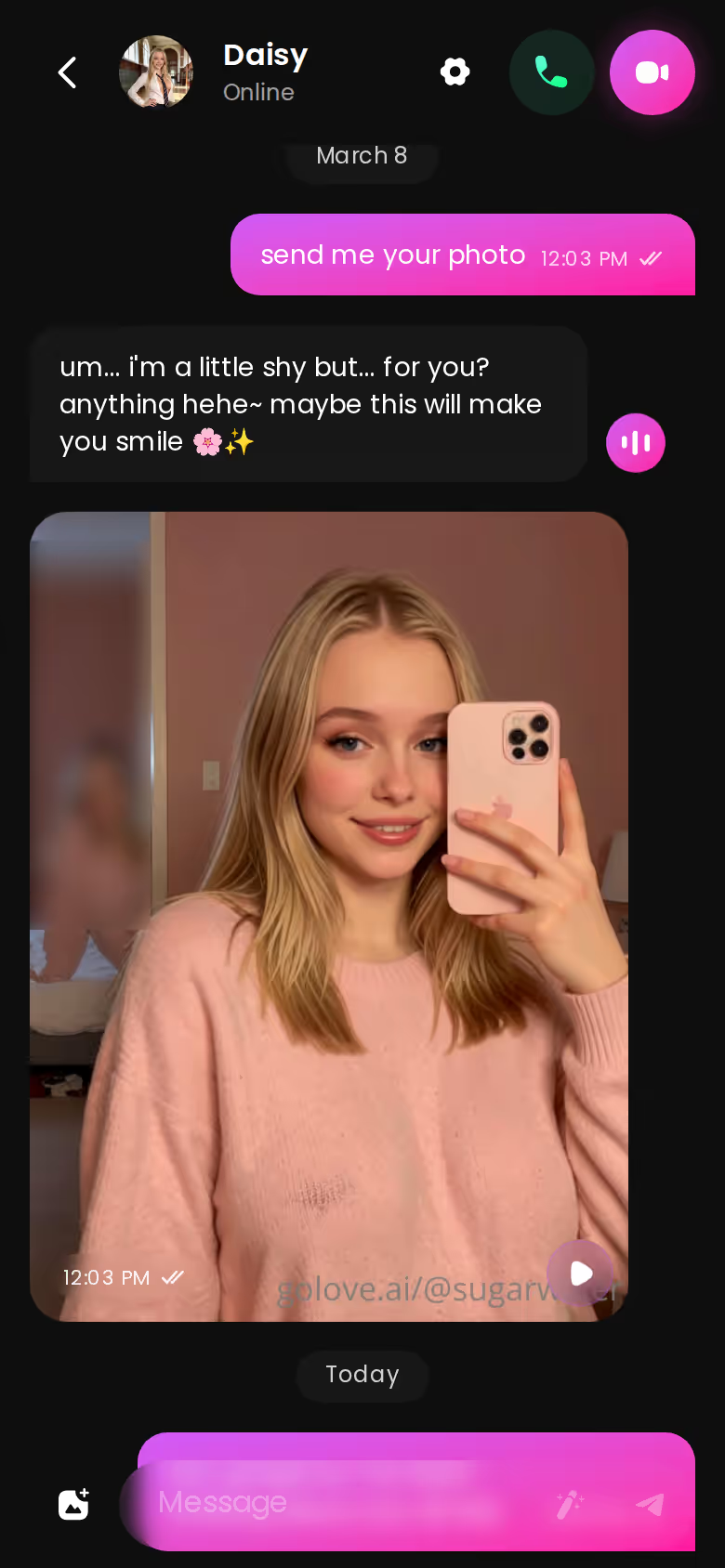
Watch what happens in that thread: she flirts, then drops photos straight into the chat. A companion does that and a JPEG can't. Explore costs nothing to browse and opens a chat in one tap, so go see how existing characters hold their look before you build your own.
What an 'AI Model Girl' Actually Is (and Why One Picture Isn't Enough)
A single generated image has no identity. That face exists exactly once. A model girl is the opposite: the same face and the same style, plus a personality that carries from one session to the next.
SHE REMEMBERS EVERYTHING
Names, kinks, the line that always works.
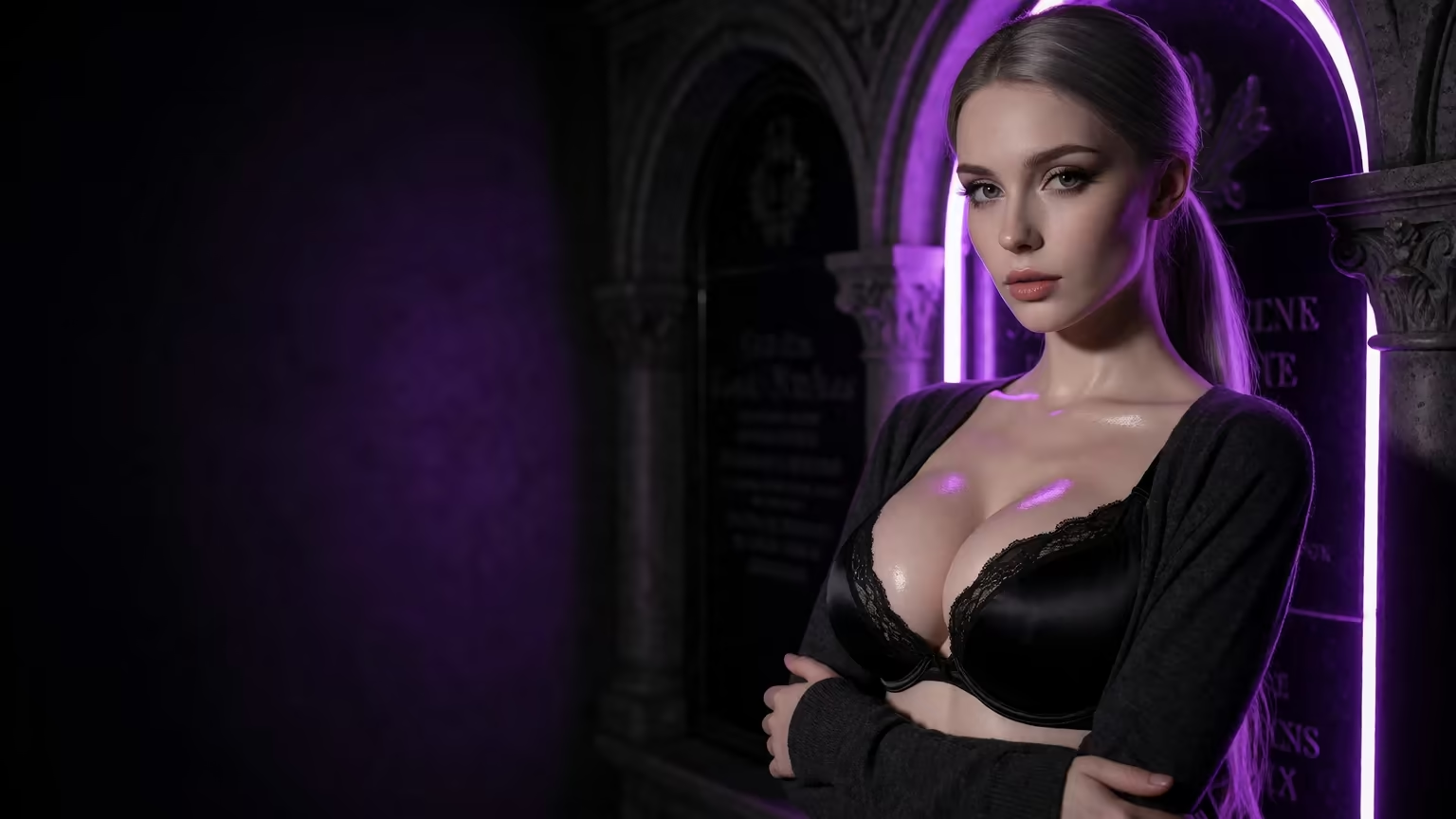
Q: Can't I just save a good prompt? A: Prompts and seeds drift. Change the pose or the lighting and the face shifts with it. A saved character doesn't drift, because every new image starts from her and not from a text string.
A model girl, as opposed to a one-off picture, takes three things:
- Consistent look: the same face across every shoot
- Personality: she talks back, and she remembers
- On-demand shoots: new photos whenever you ask
I'd actually use GoLove.ai for this, since character creation, chat and media all run off that one saved character. For how it stacks up against rivals, see our breakdown of companion apps that beat OurDream on photos and chat.
Pick Her Style and Look in the Create Wizard
On mobile it's a three-tap path:
- Tap Create in the bottom nav.
- Choose her style: Realistic, Anime or Trans.
- Hit Continue and shape her look.
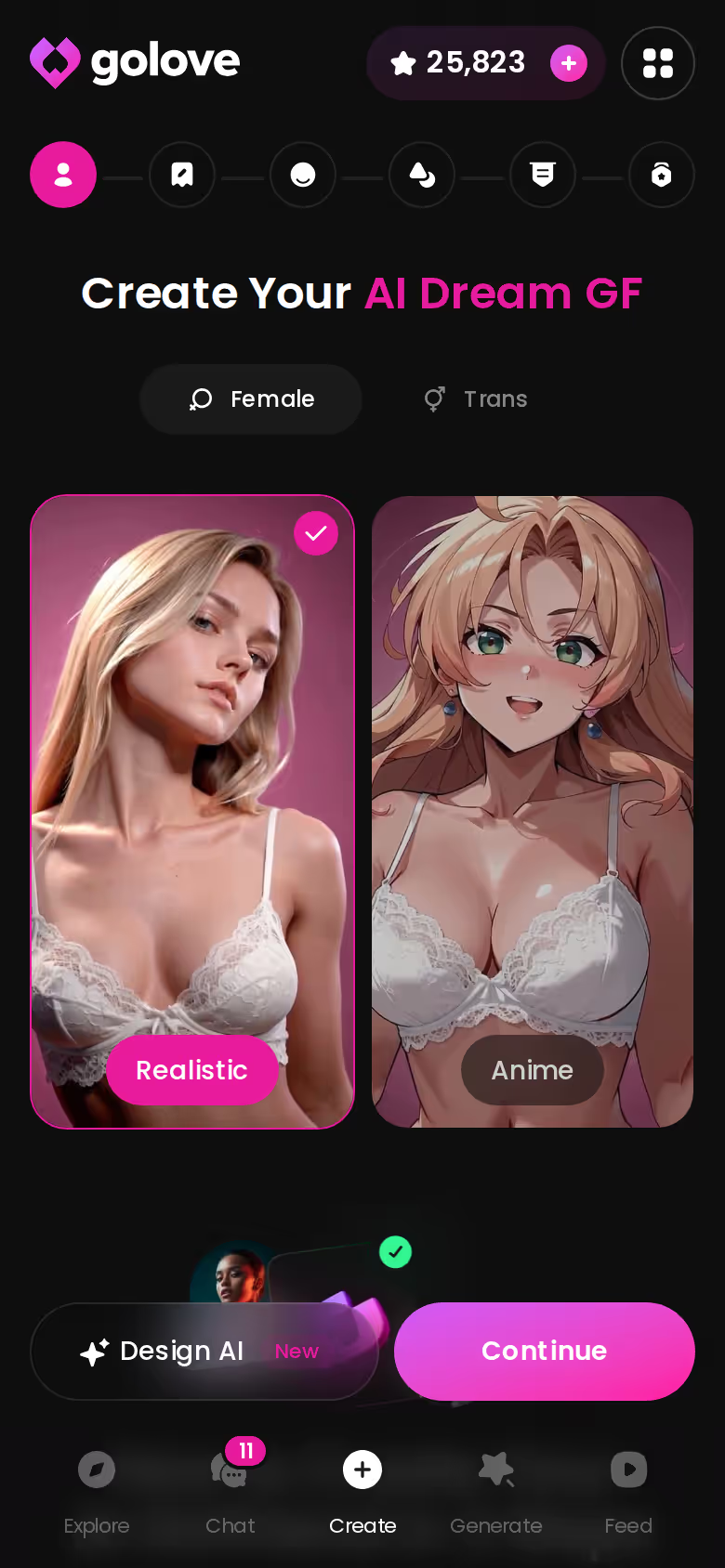
Want a photo-real model girl? Pick Realistic. If you'd rather describe her in plain text, Design with AI builds the character from your concept.
Give Her a Personality and Tune Chat Settings
Her looks only get you halfway. Give her a personality in the wizard, then open Chat Settings, which has three controls:
- a voice picker
- a 5-step lust slider, from 1 (sweet) to 5 (unfiltered)
- a 5-step response-length slider, from 1 (snappy) to 5 (immersive)
Those two sliders do more than you'd expect. Set a flirty, eager-to-please girl at lust 3 and length 4, then a sharp tease at 5 and 2, and they read like two different women. Memory keeps whatever you set from one session to the next.
Characters you can open right now
Tap any of them and the chat starts there






Open the First Chat and Ask for a Photo
Once the wizard's done, open her first chat and ask for a picture right in the thread. Request Photos in Chat sends back the girl you just designed, not some stranger with similar hair. The loop is talk, request, repeat, and you never paste prompts into a separate generator (which is the whole headache this setup gets rid of).
Getting Model-Grade Photos and Clips of Her
Here's how I'd plan a first shoot for the girl from the last section, using only what's in the product.
Stacking Action, Outfit and Scene Presets in Image Mode
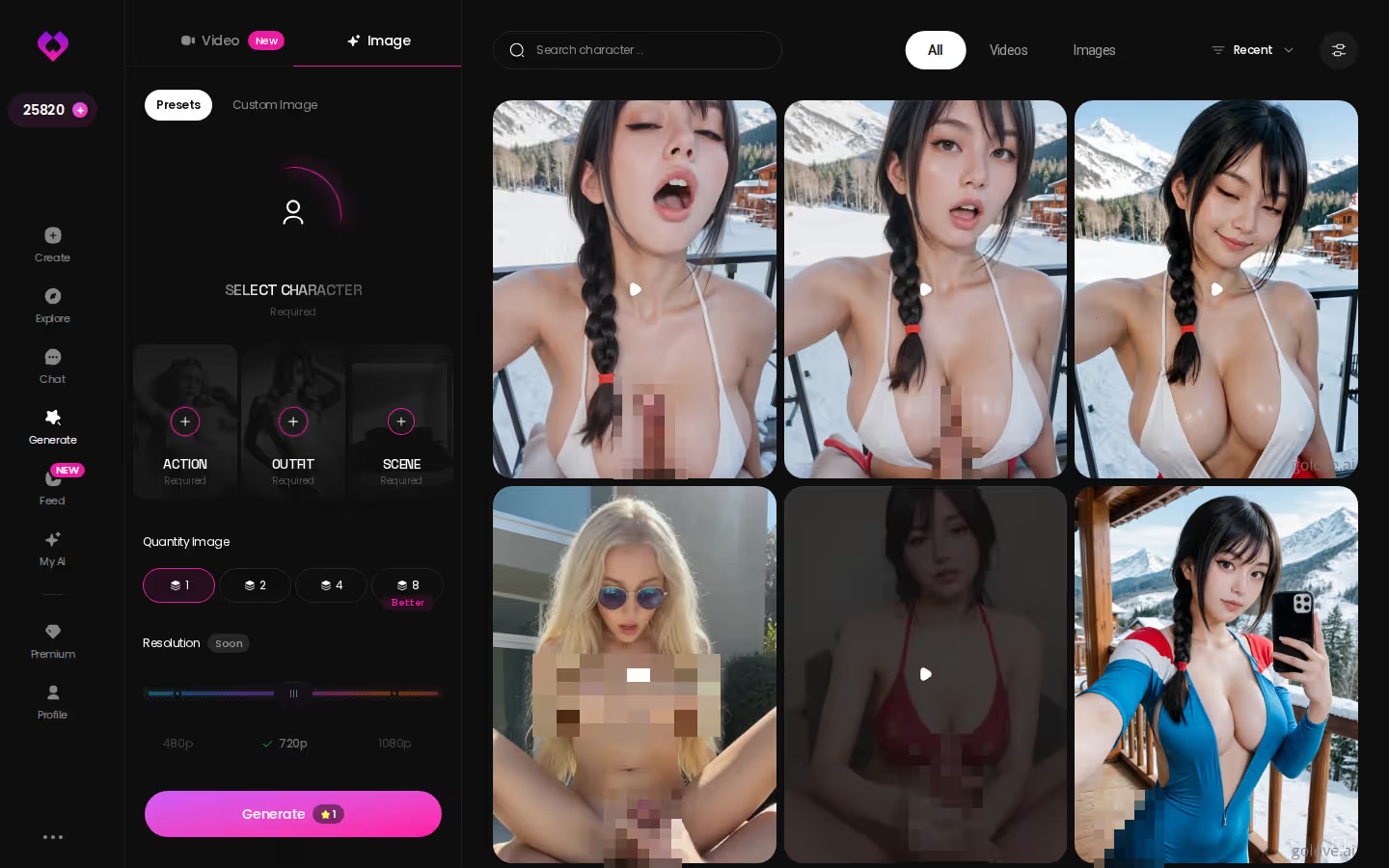
Open Generate, check that her avatar is selected in the top-right, and stay on the Image tab. Then stack three presets:
- Action: one of 35 realistic poses, or a custom pose
- Outfit: one of 21 outfits, or custom clothes
- Scene: one of 34 backgrounds, from indoor rooms to balconies, or a custom one
Choose a batch size of 2, 4 or 8 and generate. I'd go with 8. You get eight frames of one saved character, which is an actual contact sheet to pick from.
Turning Her Best Shot Into Video
Get the photos right first. Video is a bonus. In chat, Generate Video from Photo animates a still she's sent you. The Video tab mirrors Image mode: pick an action card, clothes and a background, then tap Generate once. Custom characters work there too.
Remixing Ideas From the Feed
Out of ideas? The Feed is a swipeable, Reels-style stream of clips. Tap the magic wand on one you like and Generate opens with that clip's exact settings. Then swap in your girl and regenerate.
| What you get | GoLove.ai |
|---|---|
| Real-time voice calls | Yes — per-character voices |
| Memory across chats | Yes — remembers your details |
| In-chat image generation | Yes — 35 poses & 21 outfits |
| Daily reward stars | 2 every day |
MEET YOUR AI COMPANION
Hundreds of characters, one that fits you.
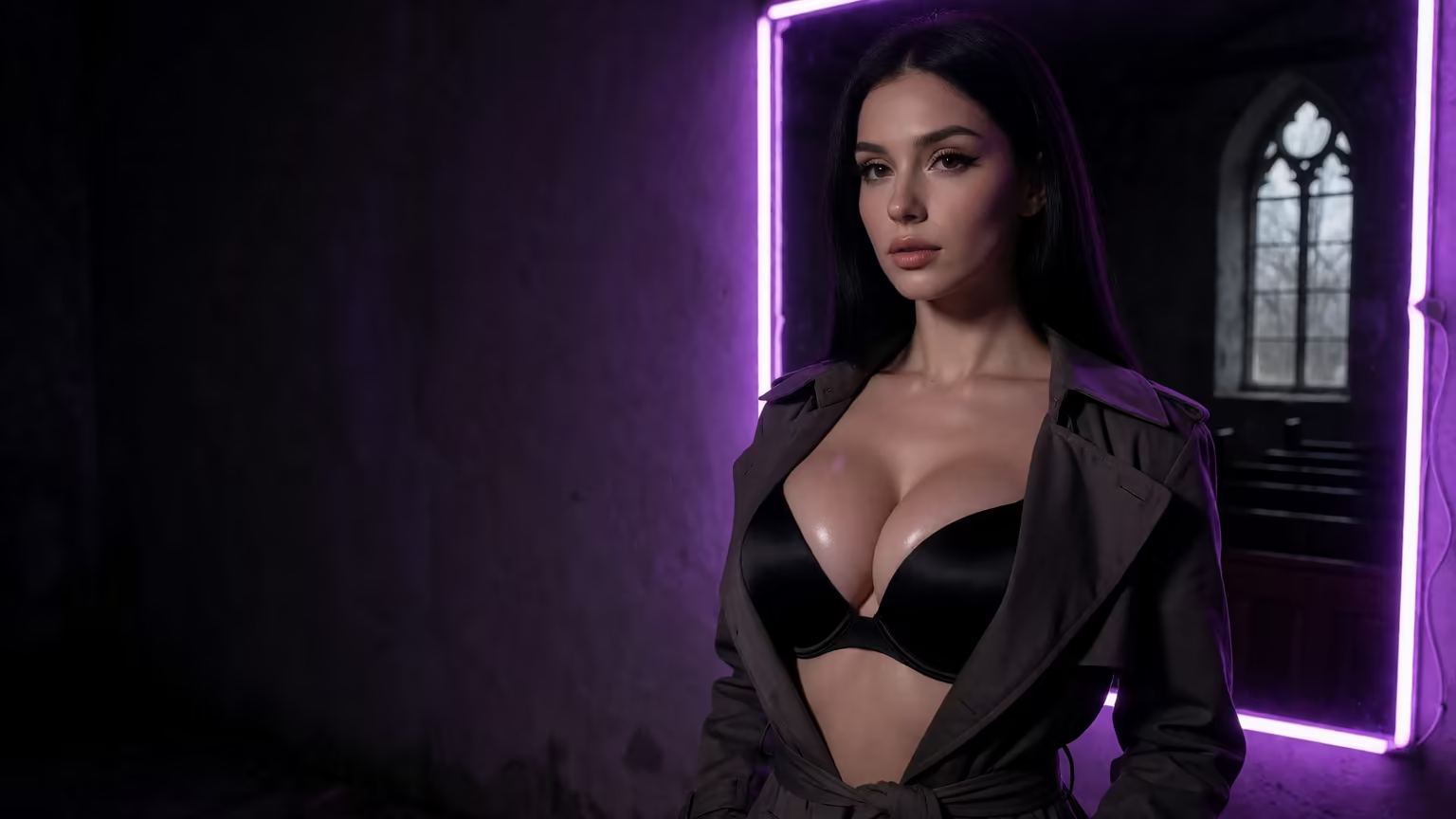
That's 35 poses, 21 outfits and 34 scenes, all on a character who already looks like herself. You get 2 free Stars a day, and that's reason enough to plan her first set now.
Where GoLove.ai Shines for This, and Where It Doesn't
Where it earns it:
- One character runs across chat, photos and video, so there's no identity drift.
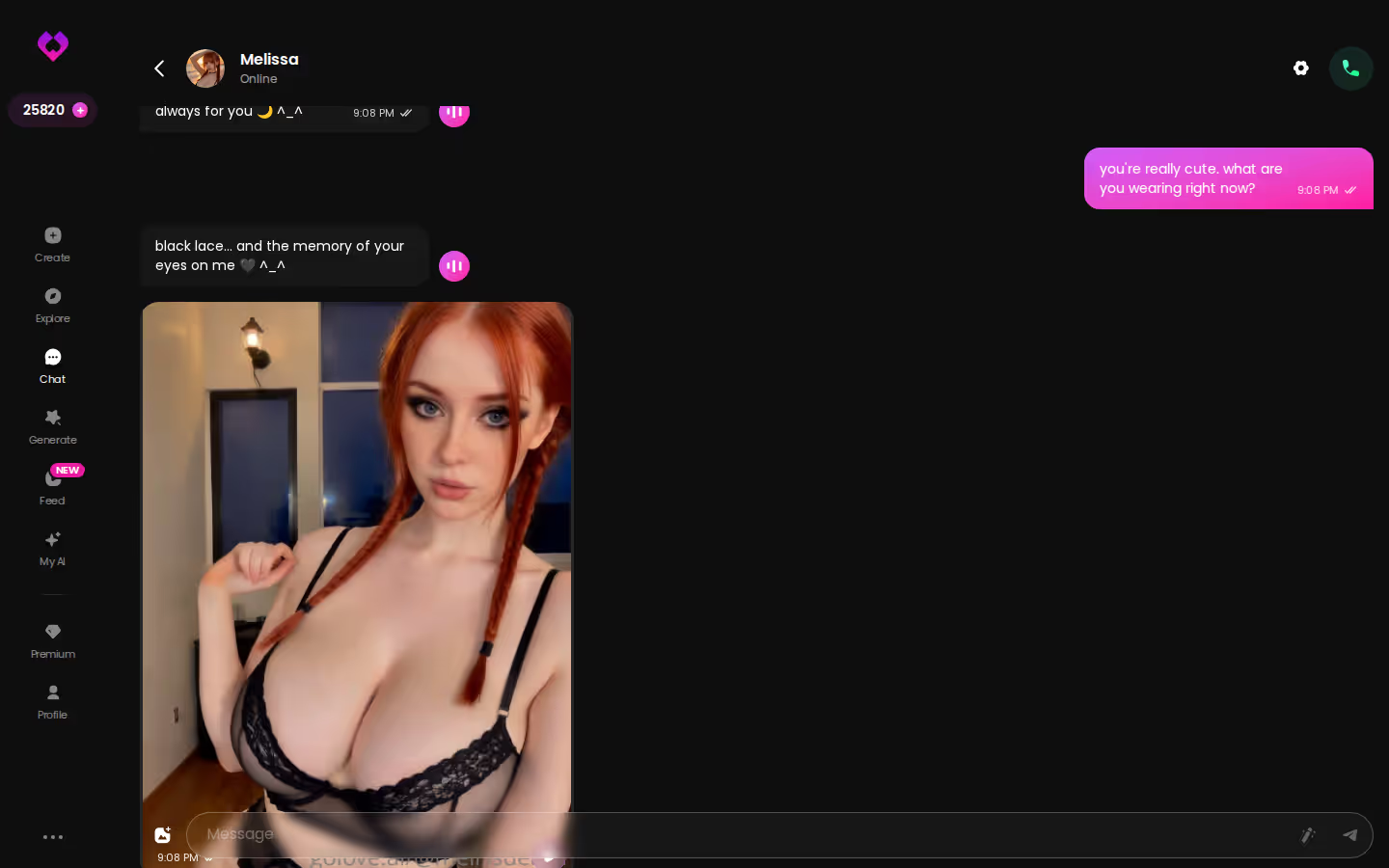
- Initiative: she keeps the conversation going on her own. The desktop thread below shows it.
- Memory carries context between sessions.
- Gallery stores every shoot per character, sorted by date.
- Explore opens a chat in one tap.
Where it doesn't:
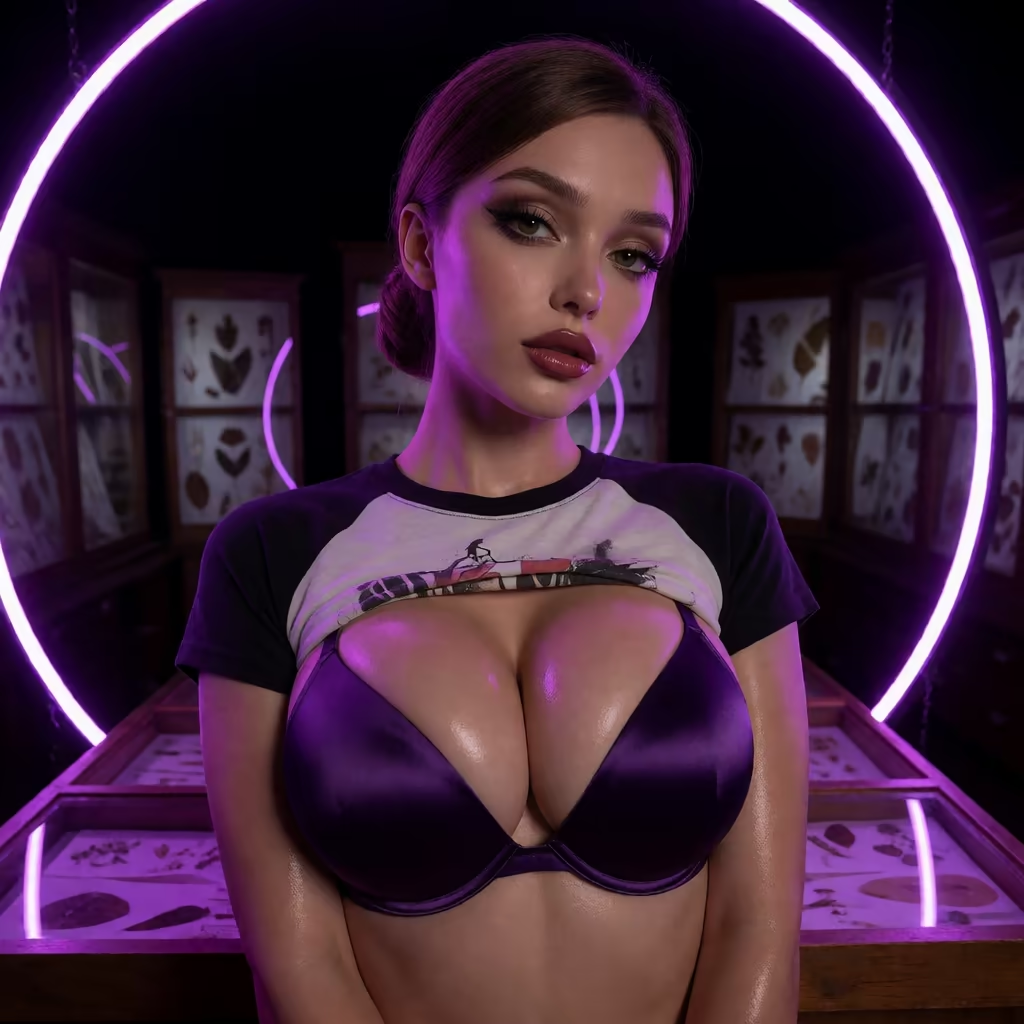
- Control: you get less raw prompt control than you would with a local Stable Diffusion setup running custom models and fine-tuning.
- Paywall: the full media features are locked behind GoLove PRO.
- Licensing: it's a companion product, not a stock-image or ad-licensing tool.
What good looks like, in one checklist:
- Real-time voice calls with per-character voices
- Memory across chats — she remembers your details
- In-chat image generation — 35 poses and 21 outfits
- 2 reward stars every day you log in
The paywall is the one that stings. Still, for a model girl, the trade favors GoLove. The consistency is the real deal. Raw prompt control is overrated when every render hands you a different woman.
> "A model girl you can't talk to is just wallpaper."
Who GoLove.ai Is NOT For
Straight facts: GoLove.ai isn't built for everyone, and the free tier is a taste, not a buffet. You get 2 free Stars a day, and every generation spends Stars. Free users also hit a cap on new videos in the Feed each day before a paywall appears. When I checked on 2026-07-19, PRO ran about $19.99/month, and the annual plan came to about $119.88 (roughly $9.99/month). Your price may differ. Regional pricing (as low as ~$12.99 in some markets) and rotating promos move the number.
Skip it if you're:
- Free-only: you want an unlimited generator and never plan to pay.
- App-store bound: you need a native install instead of a browser experience.
- Commercial: you need a model for ad work or licensed influencer content.
- Seeking people: you want a real human relationship, not an AI companion.
If none of those fit you, the trade-off is worth it.
The Pick, and Who Should Build Their Model Girl Today
> Verdict: Design her once in GoLove.ai's create wizard, and every photo, clip and chat after that is the same girl. > > For: anyone who wants a consistent, photo-real girl they can talk to, request shoots from and animate. > > Not for: free-only users, app-store-only users, commercial licensing, or anyone who wants a human partner (see above).
An image generator hands you one pretty picture and a new face next time. GoLove.ai ties her look, personality, memory and media to one saved character, and for a model girl that covers everything you need. You won't run short on material either: 35 poses, 21 outfits, 34 backgrounds and batches of up to 8.
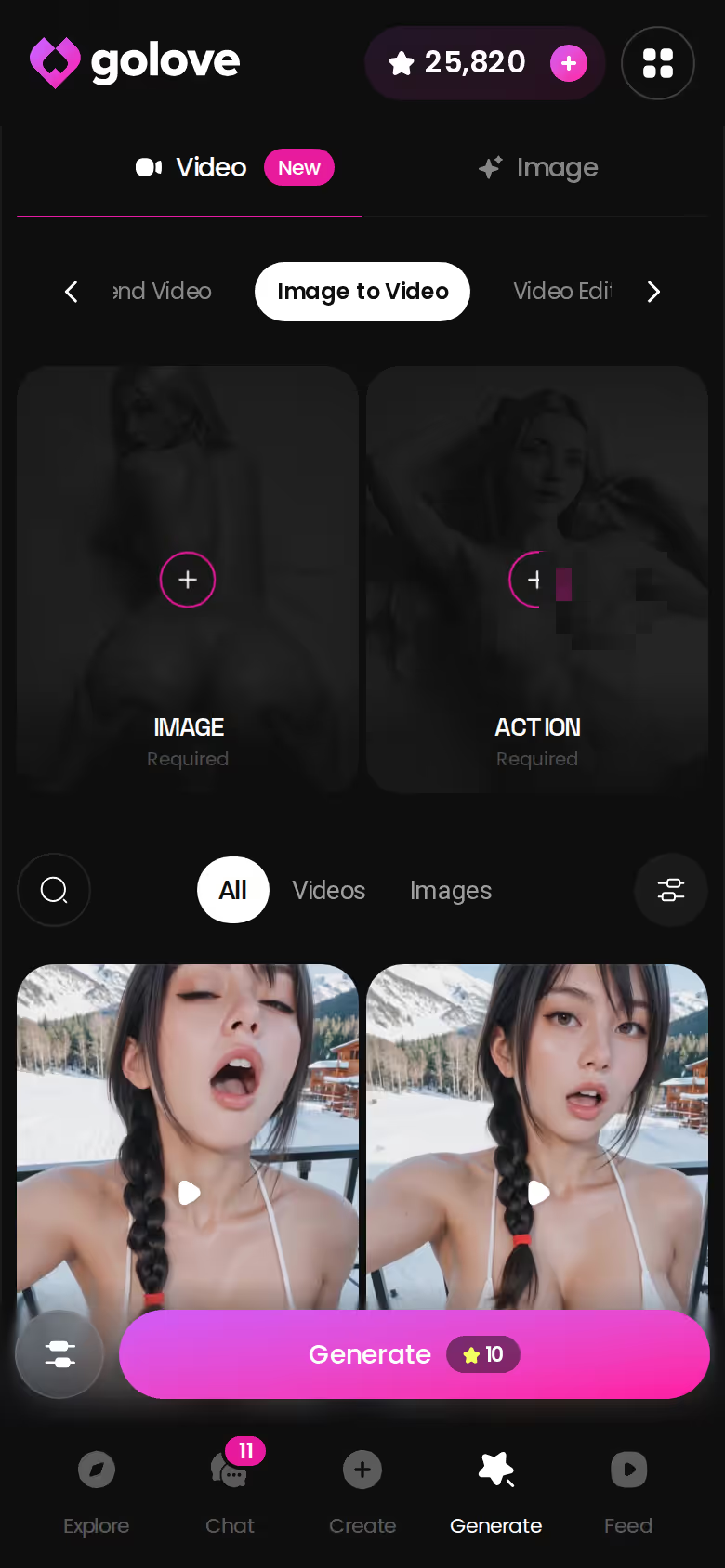
Even her best still can become a clip without losing her face. That's why I'd build here and not in a bare generator.
The wizard takes a few taps. Her first chat opens right after, and she's ready for your first photo request.
See also: Sex Roleplay Chat, AI Porn Finder and Gen AI Chatbot.
Frequently Asked Questions
Related Articles

AI Porn Finder: What Actually Works in 2026
AI porn finder searches mostly dead-end in scattered clips — GoLove.ai generates yours live, with memory and voice. Start, no email needed.
AI Roleplay Apps: Which Apps Actually Work in 2026
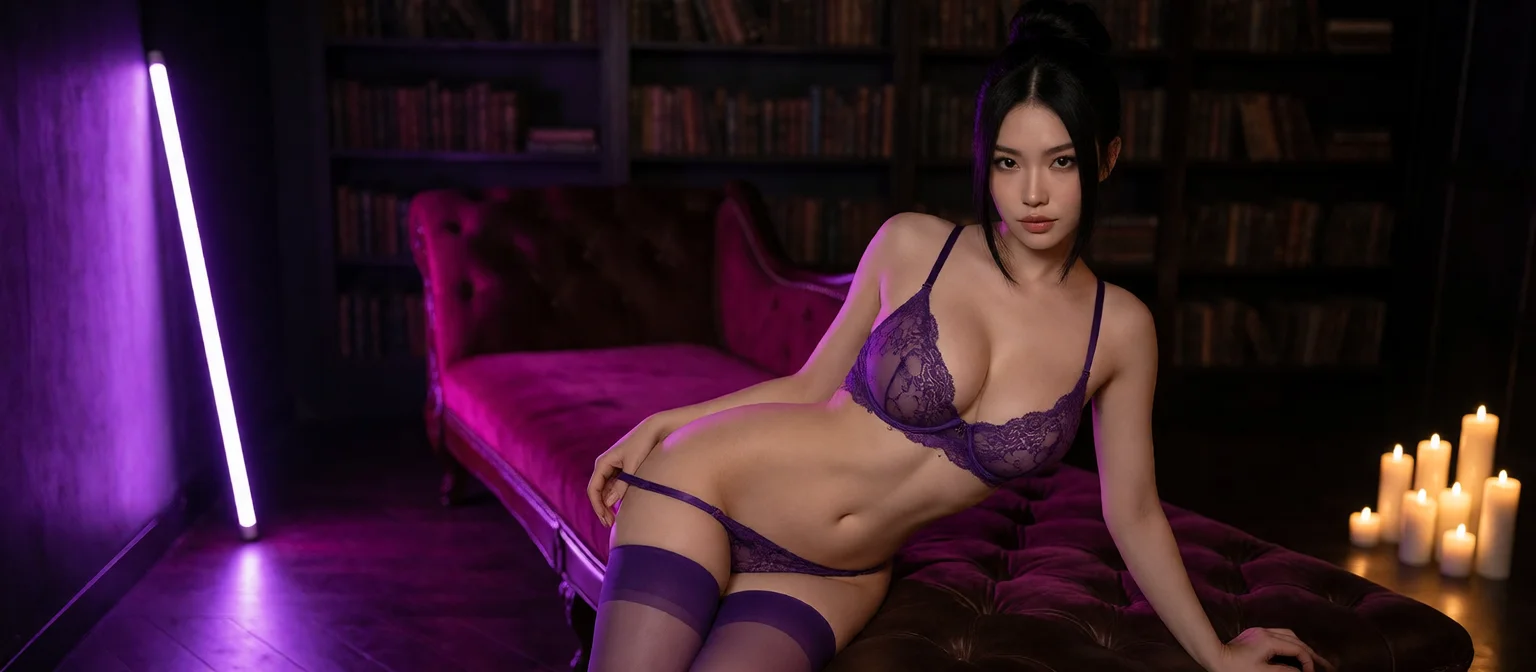
AI roleplay apps mostly reskin the same forgetful chatbot — GoLove.ai wins on real memory, voice, and photo-to-video. See it, instant-access needed.
Sex Roleplay Chat: Which App Actually Delivers?
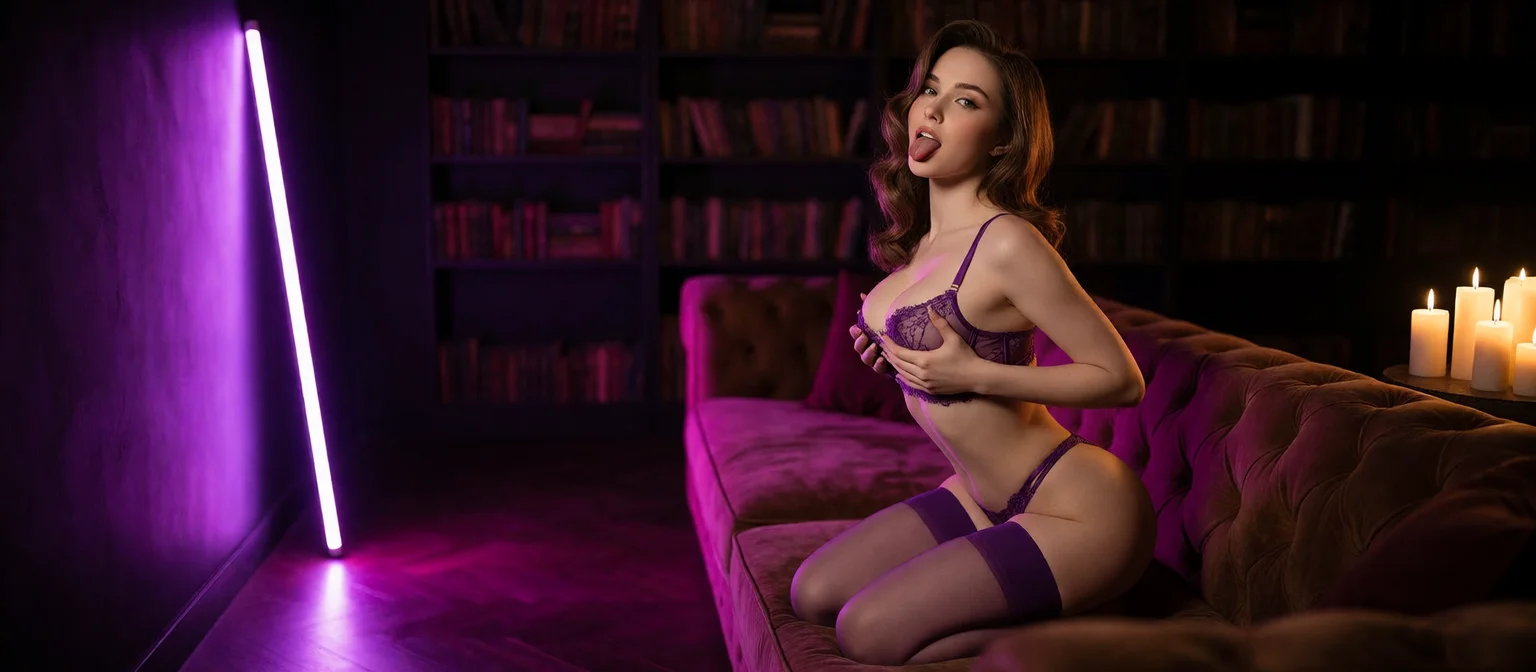
Sex roleplay chat compared — GoLove.ai wins on in-chat photos, memory and voice that hold the scene. See how Candy.ai and Nomi stack up — no email needed to.
Gen AI Chatbot: What Actually Works in 2026
Gen AI chatbot, honestly ranked: GoLove wins on memory, voice, and real photos — not empty text loops. Try it, instant-access needed.
This article contains affiliate links. We may earn a commission at no extra cost to you if you sign up through our links. See how we test.