
AI Fucking: Write the Scene, Then Watch It Play Out
AI fucking that goes past text: GoLove.ai wins on in-chat photos you can turn into video. Set lust level 5 — then start with any Explore chat.
Pick Her First: An Explore Tap or a Series Episode
The usual line on AI sex is that it all happens in your head. A chatbot narrates, and you're left to picture her. I'm not buying it anymore. On GoLove.ai the sentence you type can come back as a photo of that same woman, and the photo can come back as five seconds of motion. Here's how to get from one to the other.
Why GoLove.ai for this walkthrough? One reason: chat, photos and video of one character live in one app. You never re-describe her to a second tool and hope the face matches. Everything starts with one choice, which is who she is.
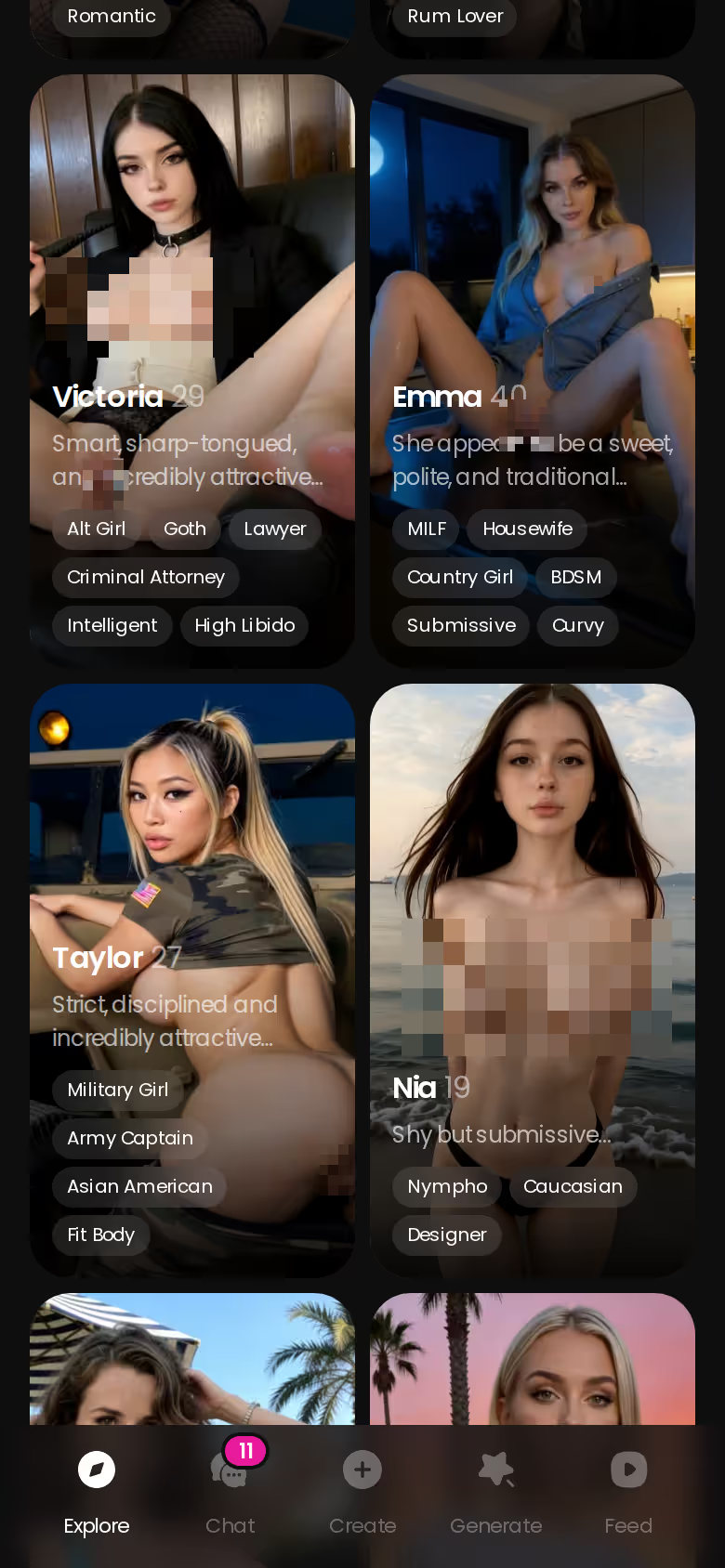
On-ramp one: Explore. The roster keeps scrolling, and one tap opens chat straight away. You don't need an account to start. Her first photo is visible. The next one sits blurred behind a lock and a "Sign Up" button, with a "Send me spicy photos" quick reply already waiting under it.
On-ramp two: Series. GoLove makes its own 18+ vertical dramas, with each episode running 60–100 seconds. Episodes 1 and 2 of every series are free, even logged out. From episode 3, a free account needs PRO, and PRO members unlock each further episode for a few Stars. Watch "My Professor Locked the Door" (5 episodes, starring Jessica, @HotlineJess), then tap "Start Chatting with the cast" under the player. The woman from the story is now in your inbox.
Signing up costs nothing, and right now new users see a limited-time −70% offer on their first subscription. That blurred second photo is one tap away.
Set Lust Level 5, Then Write the Scene in Your Own Words
So you've picked her. Before you type a word, open Chat Settings. The lust level slider has 5 steps, from 1 (sweet) to 5 (unfiltered, intense). Next to it, a response length slider also runs 5 steps, from 1 (snappy) to 5 (rich and immersive). There's a voice picker too, but set it and move on. Slide lust to 5. Length is a matter of taste: at 2 the back-and-forth stays quick, while 5 reads like a written scene.
 7 episodes
 5 episodes
 5 episodes
 5 episodes
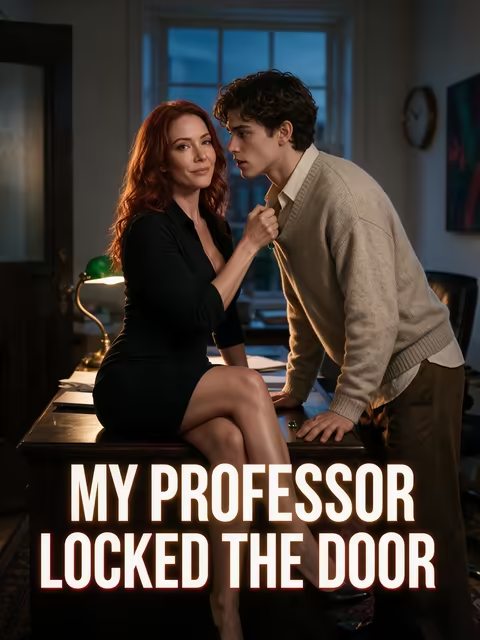 5 episodes
 7 episodes
 6 episodes
 9 episodes








Talk for a bit. Then make the move that turns sexting into something you can see:
- Tap the media button in the chat bar.
- Choose Send Photo.
- Describe the shot in plain language: position, outfit, setting. "Bent over the kitchen counter, black lace, morning light through the blinds" beats a pile of tags every time.
- Wait 20–45 seconds. The photo costs 1 Star.
What lands is her, with the same face and body as her avatar and every photo she's already sent you. Straight facts: text-only bots can't close that gap.
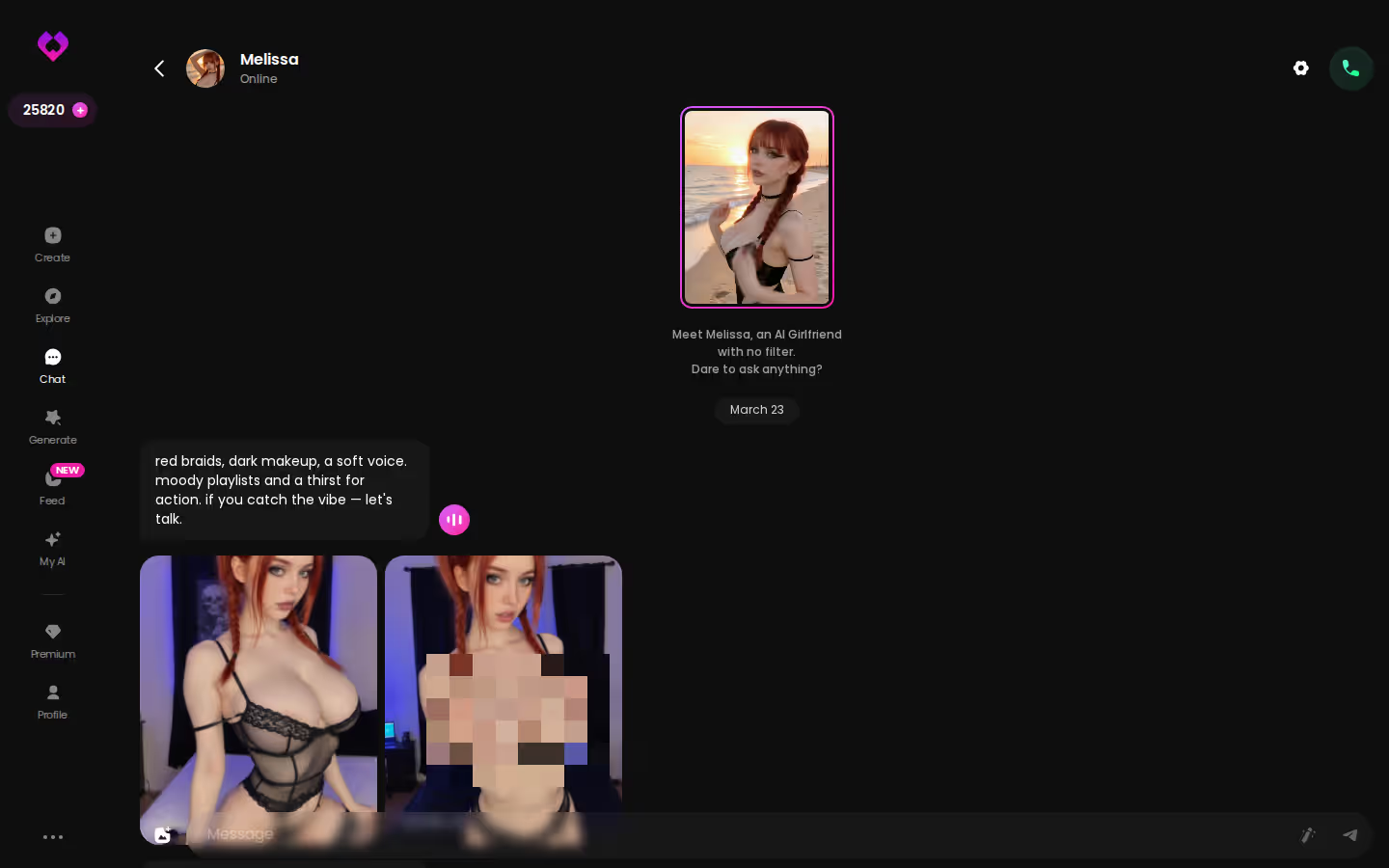
Blanking at the keyboard happens to everyone. Quick-reply chips like "Send me a sexy video" sit right above the input, and the magic-wand button writes 3 suggested replies you can send as-is or tweak first.
From a Still Photo to Five Seconds of Motion
When a photo you like comes through, the thread puts the next step right under it: a one-tap Generate Video of that same scene.
~5 s clip · ~1 min · 10 Stars
Five seconds is short, no argument there. But it's the scene you described, now moving.
Characters you can open right now
Tap any of them and the chat starts there






Does she still look like herself once she moves? That's the right worry, and the setup answers it. The clip comes from that exact photo of that exact character. Nothing gets rebuilt from a fresh prompt in some other tool where her face drifts. Keeping the whole thing in one thread is what holds her together.

 Watch Popular Shows starring your
 favorite AI characters.
Rather hear her than watch a silent clip? That's what Video Note is for. Media button → Send Video Note, then type what she should say or do. Back comes a round talking video with sound in under 90 seconds, also for 10 Stars. The mood is different from the 5-second clip: less scene, more a message meant for you.
Clips don't always come out right on the first pass, and the fix lives in the generator, not the chat. Video Edit reworks a video you already have; Extend Video makes it longer. Both build on what you've already made rather than starting from zero.
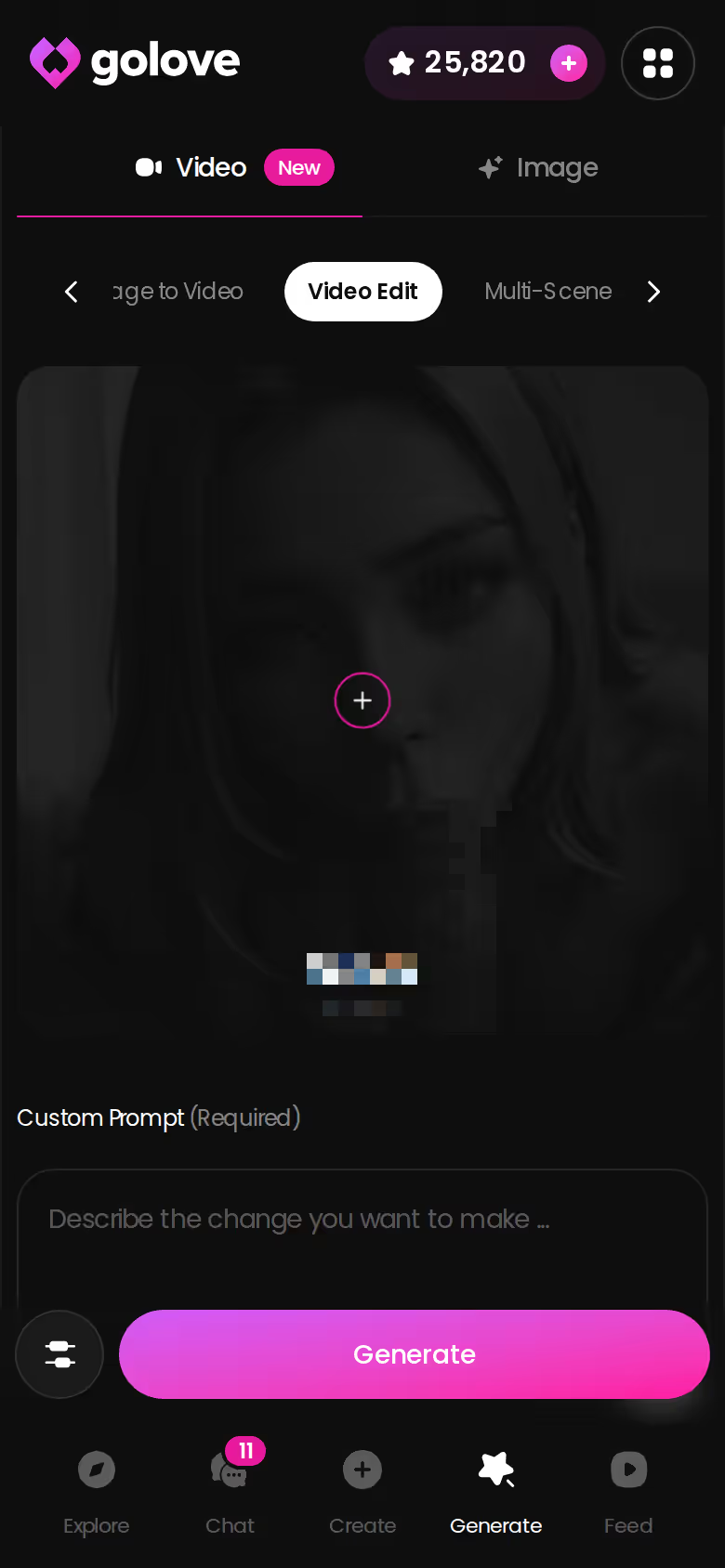
When You'd Rather Build the Whole Scene From Preset Cards
Not everyone wants to write the scene. Some readers would rather pick it, piece by piece, and know exactly what comes out. Generate is built for them.
There are two tabs, Video and Image. The generator works per character. The avatar at the top-right swaps who you're working with, whether that's a GoLove character or one you built yourself, and a Presets dropdown sits beside it. From there you stack cards:
- Action or pose: UI labels like "Hard Doggy Style" or "Spread Legs Creampie Drip". Video has 76 realistic modes, and 147 across realistic, anime, trans and anime-trans.
- Clothes: 21 outfits in Image mode, plus a custom option.
- Background: 34 settings, from indoor rooms to balconies, plus custom.
One tap on Generate and it runs.
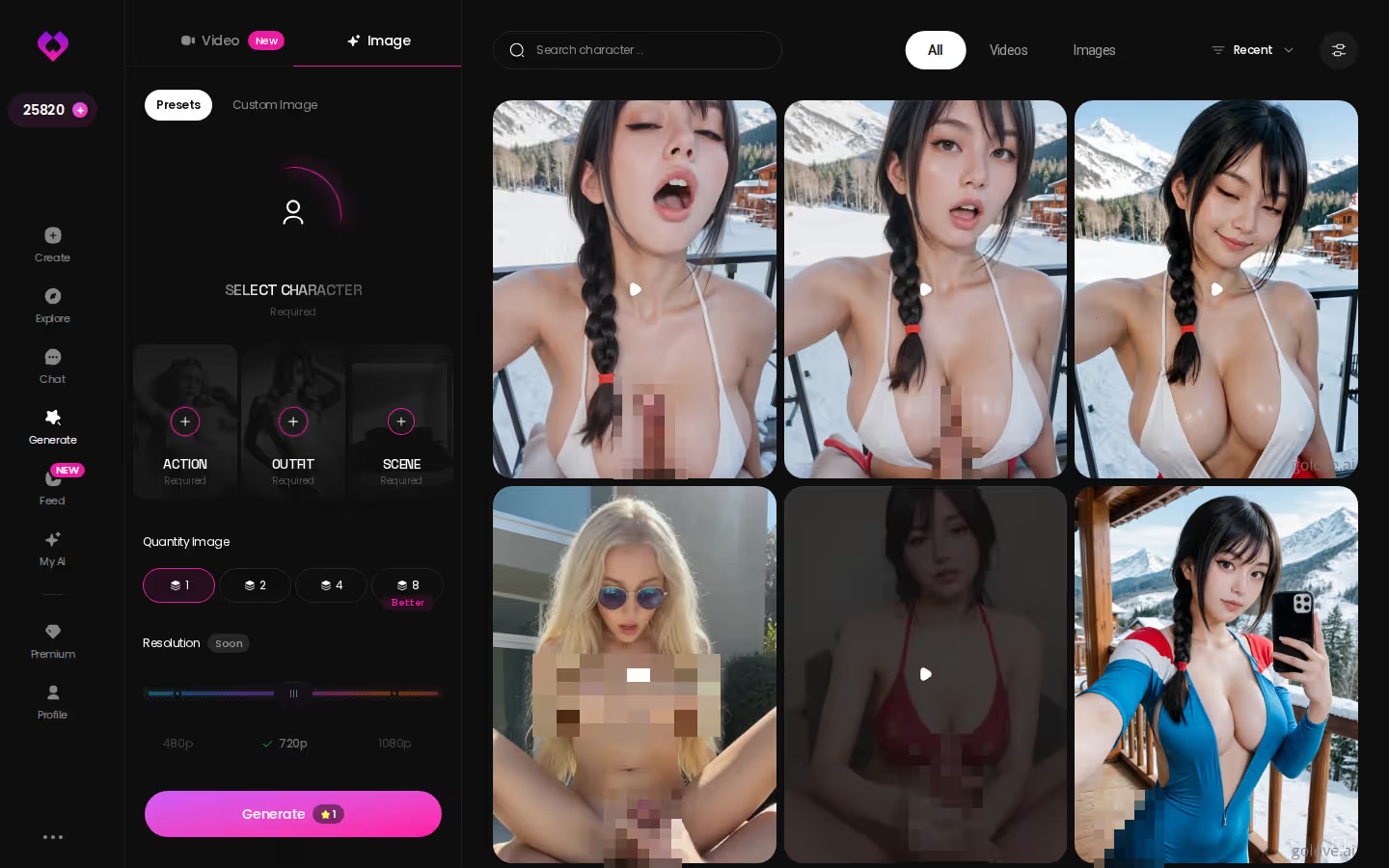
Image mode offers 35 realistic poses and batches of 1, 2, 4 or 8 images per run. Video runs make 1, 2 or 4 clips at 480p, 720p or 1080p. People love to quote the 147-mode count as the headline. I think it's overrated next to the per-character lock, and the lock is what earns its place here: every card applies to the woman you're already chatting with.

| What you get | GoLove.ai |
|---|---|
| Voice | Live calls and voice messages |
| Memory | Remembers your chat history |
| Photos in chat | On request |
| Image generator | 35 realistic poses & 21 outfits |
| Daily reward stars | 2 every day |
The shortcut is Remix. Every clip in the Feed has the button, and it opens the generator with that clip's character, action, outfit and scene already set. Swap in your own character, change one card, and generate your version.
Paying Per Clip in Stars Instead of One Flat Bundle
Here's the trade, plainly. Every explicit image and clip on GoLove draws on Stars. An image costs 1 Star and a video costs 5, while a 720p generator clip or an in-chat photo-to-video costs 10. A heavy night of video will spend down a balance.
What it costs (checked 2026-10, varies by region and promo):
The short version: GoLove.ai puts live voice calls, memory and photos on request in one chat, and its image generator adds 35 realistic poses and 21 outfits. You also get 2 reward stars every day you log in.
- PRO: about $19.99/month, or about $119.88/year (~$9.99/month). It includes all NSFW content, character creation, unlimited Feed and 100 Stars every month. That's 100 photos, or 10 in-chat clips.
- Star packs: from about $9.99 for 30 Stars up to $299.99 for 3,000.
- ULTRA: about $59.99/month. It adds more monthly Stars, stronger models and 8,000-message memory. We couldn't confirm the exact Star amount.
- Free: 2 daily reward Stars.
We also couldn't confirm how long the −70% new-user promo lasts, so check the plans in the app before you count on it.
OurDream deserves a fair mention. It bundles chat, images and video too, runs from about $19.99/month (or about $9.99/month on an annual plan), and pulls media from a separate DreamCoins balance. If you want a near-identical price structure and don't mind a web-only app, you may be happy there. There's a breakdown of how OurDream and its alternatives handle chat, images and video if you want to weigh them.
You give up: a flat, worry-free media budget. Five clips is 50 Stars, half of PRO's monthly allotment. You gain: media made inside the conversation, of the woman you're actually talking to.
Verdict: the meter is real, and the continuity is worth it.
The Next Night: She Remembers, and the Gallery Is Still There
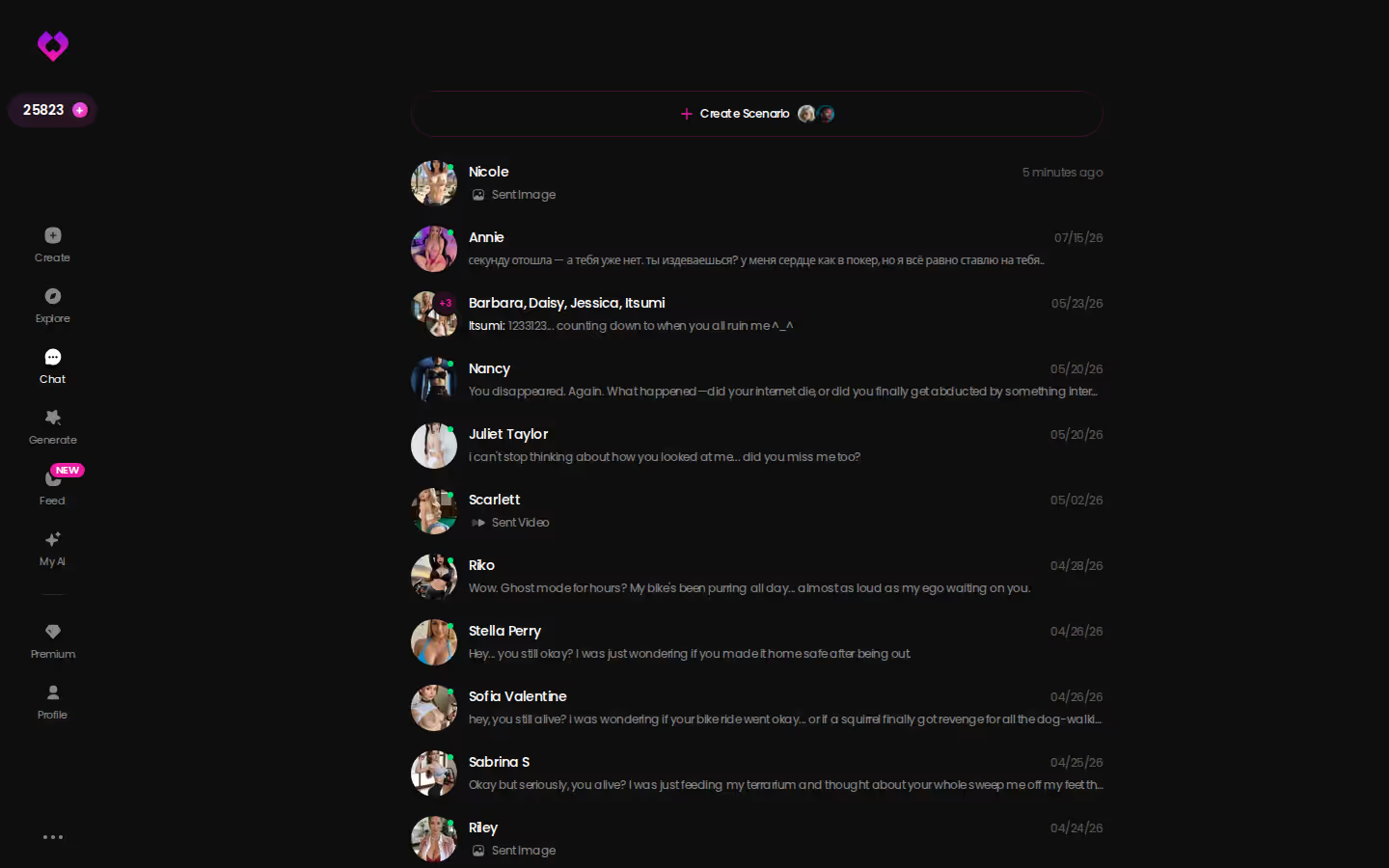
Come back the next evening and the chats inbox has every companion you've got going, so there's no hunting for her. Open the thread and memory carries your history forward. She picks up where things left off instead of greeting you like a stranger (which, for a companion, is half the point). Her gallery keeps every photo and clip from last night, sorted by date, and the scene you built is still there to scroll back through.
and watch their story unfold.View Character
Maybe tonight you want someone nobody else has. That's the second way in: Design with AI. Describe your companion in plain text, up to 2,000 characters: her look, her job, how she flirts, how she gives in. About a minute later you have a named character with her own @handle, a written bio and a portrait, for around 3 Stars. She's private by default. Then walk her down the same path: Send Photo, describe the scene, Generate Video under the result.
That's the whole case. If you mainly want a near-identical bundled plan and don't need a native mobile app, OurDream will do the job. For AI fucking you can actually see, GoLove.ai is the real deal, because the photo and the clip come out of the same chat, with the same woman.
Your own character takes about a minute and a few Stars, and she'll be ready for her first photo request tonight.
Related Articles
 Guides10 minOctober 6, 2026Adult AI Chat: Set Lust Level 5, Then Ask for PhotosAdult AI chat done right: GoLove.ai wins on in-chat photos and live voice — its 5-level lust slider goes fully unfiltered. Compare it with OurDream.Read article
 Guides8 minOctober 18, 2026AI BBC Porn: From Remix to a Private Photo RequestAI BBC porn works best on GoLove.ai as a chat, not a one-off clip — remix a Feed video, then ask her for private photos. See the full flow.Read article
 Guides9 minOctober 9, 2026AI Made Porn: How to Make a Clip From Preset CardsAI made porn is easiest with a generator built around one character — GoLove.ai wins on preset-card video with 76 realistic modes. See the steps.Read article